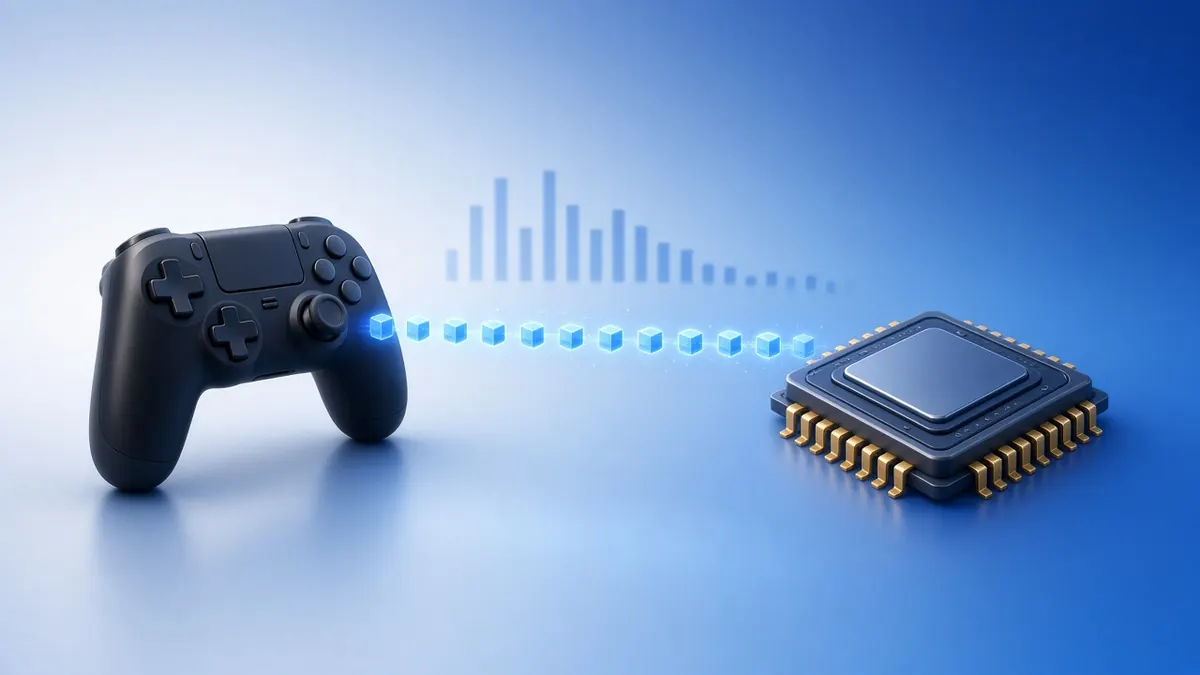
Polling rate is how often a controller sends its state to your computer. More reports mean fresher data.
But a higher number is not always a better experience. Here is what matters.
Hz and Milliseconds
| Polling rate | Time between reports |
|---|---|
| 125 Hz | 8 ms |
| 250 Hz | 4 ms |
| 500 Hz | 2 ms |
| 1000 Hz | 1 ms |
Going from 125 Hz to 1000 Hz saves up to 7 ms per report. Going from 500 Hz to 1000 Hz saves only 1 ms.
Typical Rates
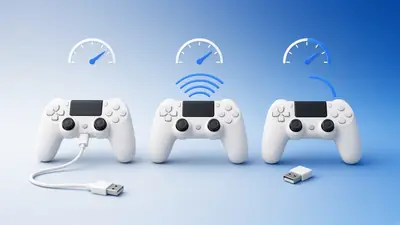
Many controllers default to around 125 to 250 Hz. Some PlayStation pads report near 250 Hz, and several third-party "pro" pads offer 1000 Hz modes on a cable or dongle.
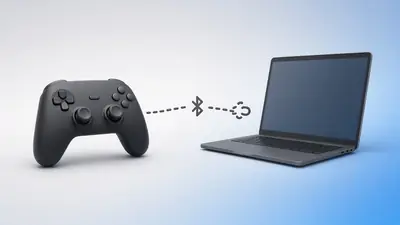
The connection matters. Bluetooth often limits the rate, while USB and dedicated dongles allow more.
Consistency Beats Peak Numbers
A steady 250 Hz can feel better than a 1000 Hz signal with large gaps. Jitter, the variation between intervals, shows how steady it is.
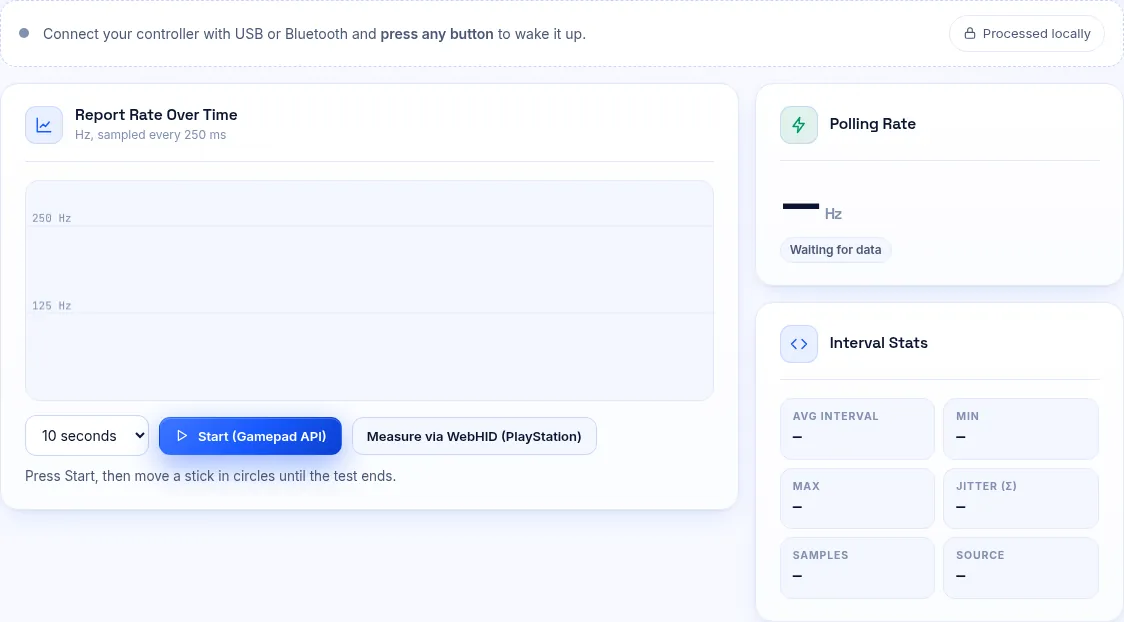
Our test shows both the average rate and the spread of intervals.
Measuring It Yourself
Open our polling rate test and spin a stick continuously. The pad only sends reports when something changes.
Treat the result as a lower bound, because a browser can read more slowly than the hardware sends.
Should You Overclock?
Some tools force a higher USB polling rate. Results vary, and some pads become unstable. If you try it, test before and after, and revert if you see dropouts.
Frequently Asked Questions
Does polling rate affect aim?
Slightly. Display latency, frame rate and deadzones usually matter more.
Why does my result drop when I stop moving?
Controllers send new reports only when an input changes.