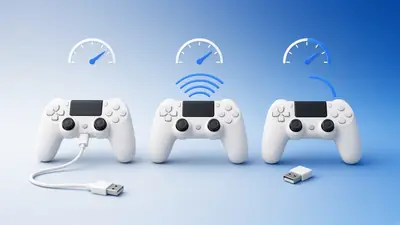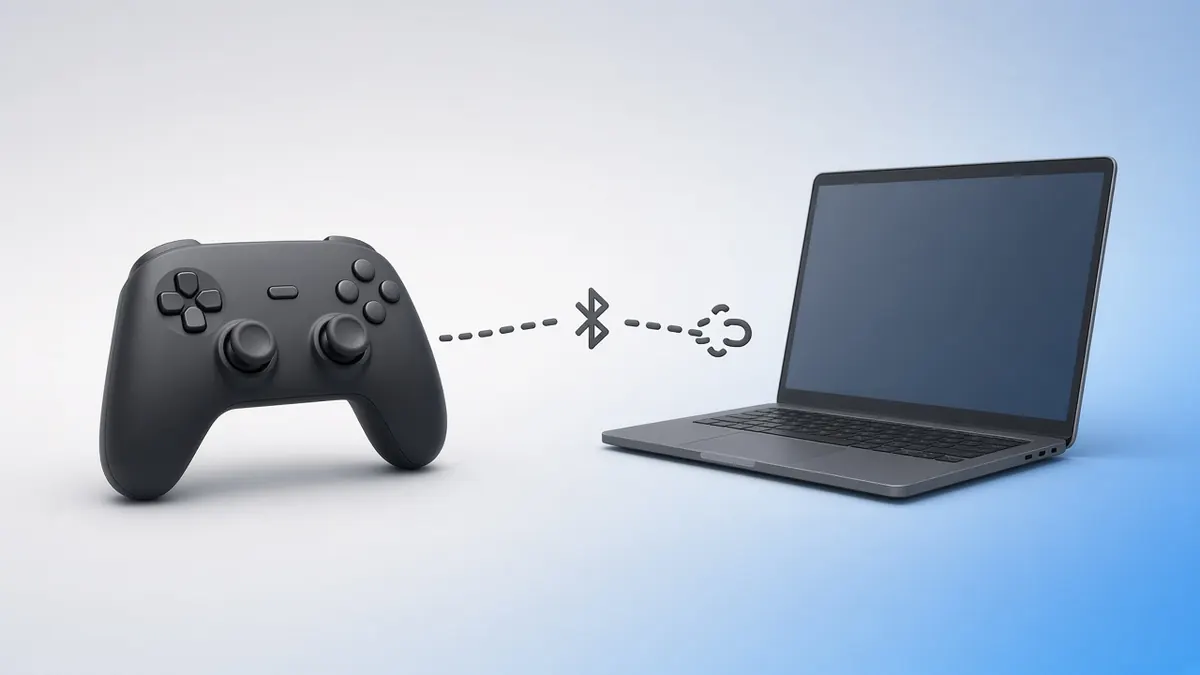
An Xbox controller that drops out mid-game is frustrating. Most causes are power, interference or outdated firmware.
Try these fixes in order and test after each one.
Fresh Batteries First
Weak AA cells cause random disconnects before the low-battery warning appears. Try new batteries or a charged pack.
Update the Firmware
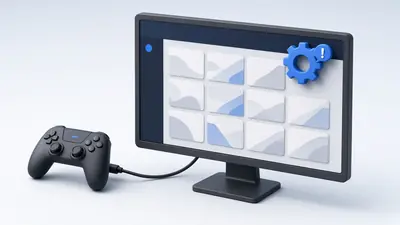
On console, open Settings, Devices & connections, Accessories. On PC, use the Xbox Accessories app with a USB cable.
Reduce Interference
Move wireless adapters away from USB 3 ports and Wi-Fi routers. Use a short USB extension to bring the adapter into view.
Keep the controller within a few metres of the receiver.
Stop Windows Sleeping the Adapter
In Device Manager, open your Bluetooth adapter's properties. Under Power Management, untick the option that lets Windows turn it off to save power.
Re-pair the Controller
Remove it from Bluetooth settings or the console, then pair again. Too many paired devices can confuse some adapters.
Test Stability
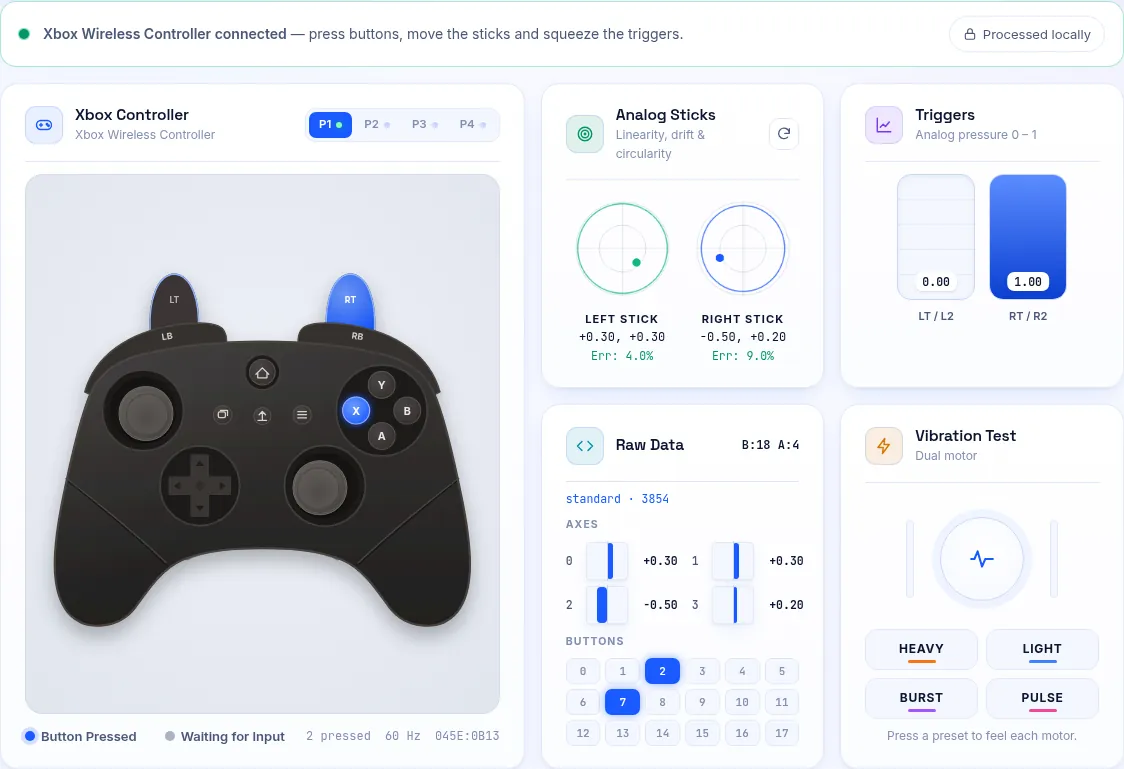
Open our Xbox controller tester and move the sticks for a few minutes. Gaps or a stalling rate in the polling rate test point to interference.
Frequently Asked Questions
Is a cable the permanent fix?
A cable removes wireless problems entirely. It is the best option for competitive play.
Can a faulty controller cause disconnects?
Yes. If it drops out on every device, the antenna or battery contacts may be damaged.