
12 guides
Controller Guides
Step-by-step help to connect, fix, clean and tune your controller, with screenshots from our own tools.
 Repair
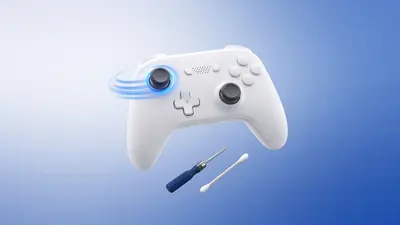
How to Fix Controller Stick Drift
Fix stick drift on PS5, PS4, Xbox and Switch controllers: measure it, clean the stick, set a deadzone, recalibrate or replace the module. Step by step.November 4, 2026 · 8 min read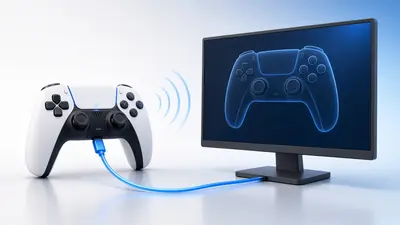 Setup
How to Connect a PS5 Controller to PC
Connect a PS5 DualSense to a Windows PC by USB-C or Bluetooth, set it up in Steam, and test every button, trigger and the touchpad in your browser.November 4, 2026 · 6 min read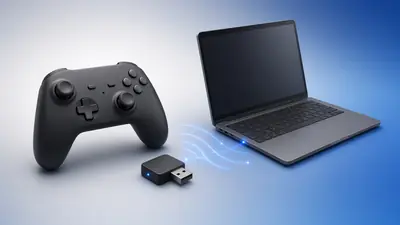 Setup
How to Connect an Xbox Controller to PC
Connect an Xbox Series X|S or Xbox One controller to Windows with USB, Bluetooth or the Xbox Wireless Adapter, then test buttons, triggers and rumble.November 4, 2026 · 5 min read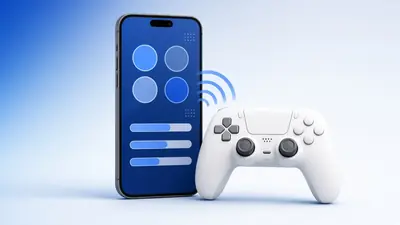 How to
 Test a Controller on Android or iPhone
Test a PS5, PS4, Xbox or Switch controller on an Android phone or iPhone: pair it over Bluetooth, open a browser tester and check buttons and drift.November 4, 2026 · 5 min read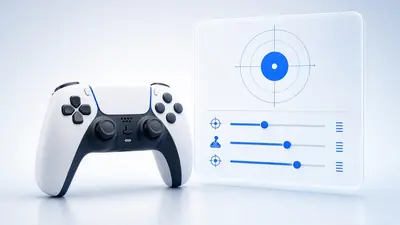 How to
 Calibrate a Controller in Windows and Steam
Calibrate controller sticks and triggers in Windows Game Controllers (joy.cpl) and in Steam, then check centre, range and circularity in your browser.November 4, 2026 · 7 min read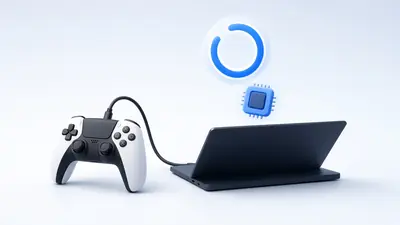 How to
 Update DualSense Firmware
Update a PS5 DualSense or DualSense Edge controller on the console or on Windows with Sony's official updater, and check it works afterwards.November 4, 2026 · 5 min read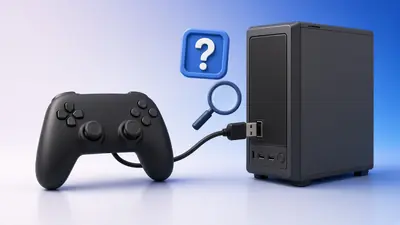 Troubleshooting
Controller Not Detected on PC? 10 Fixes
Controller not detected on Windows or in a browser? Work through 10 fixes, from pressing a button and swapping cables to drivers, Steam and Bluetooth.November 4, 2026 · 7 min read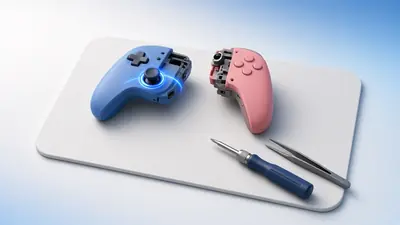 Repair
How to Fix Joy-Con Drift
Fix Joy-Con drift step by step: test it in your browser, update and calibrate on the Switch, clean the stick, and know when to repair or replace it.November 4, 2026 · 7 min read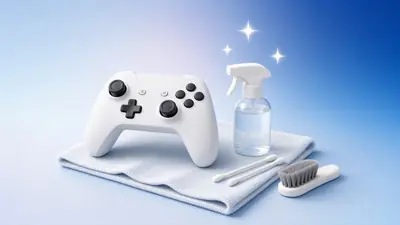 Maintenance
How to Clean a Controller Safely
Clean a PS5, PS4, Xbox or Switch controller safely: what to use, how to free sticky buttons, clean the sticks and avoid damage, then test it.November 4, 2026 · 6 min read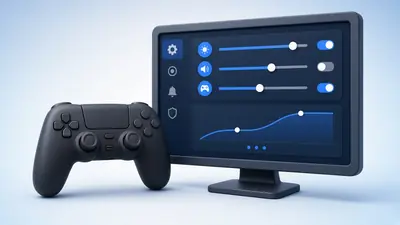 Settings
Best Controller Settings for PC Games
Set up a controller for PC games: deadzones, response curves, sensitivity, vibration, polling and Steam Input, using measurements instead of guesswork.November 4, 2026 · 8 min read Setup
How to Connect a Switch Pro Controller to PC
Connect a Nintendo Switch Pro Controller to a PC by USB-C or Bluetooth, set it up in Steam, and test every button and stick in your browser.November 4, 2026 · 5 min read Performance