A DualSense works on Windows without extra drivers. Getting every game to recognise it takes one more step, usually through Steam.
Here is how to connect it by cable or Bluetooth, then check that every input works.
What you need
- A DualSense or DualSense Edge
- A USB-C data cable, or a PC with Bluetooth
- Optional: Steam
1Connect with a USB-C cable
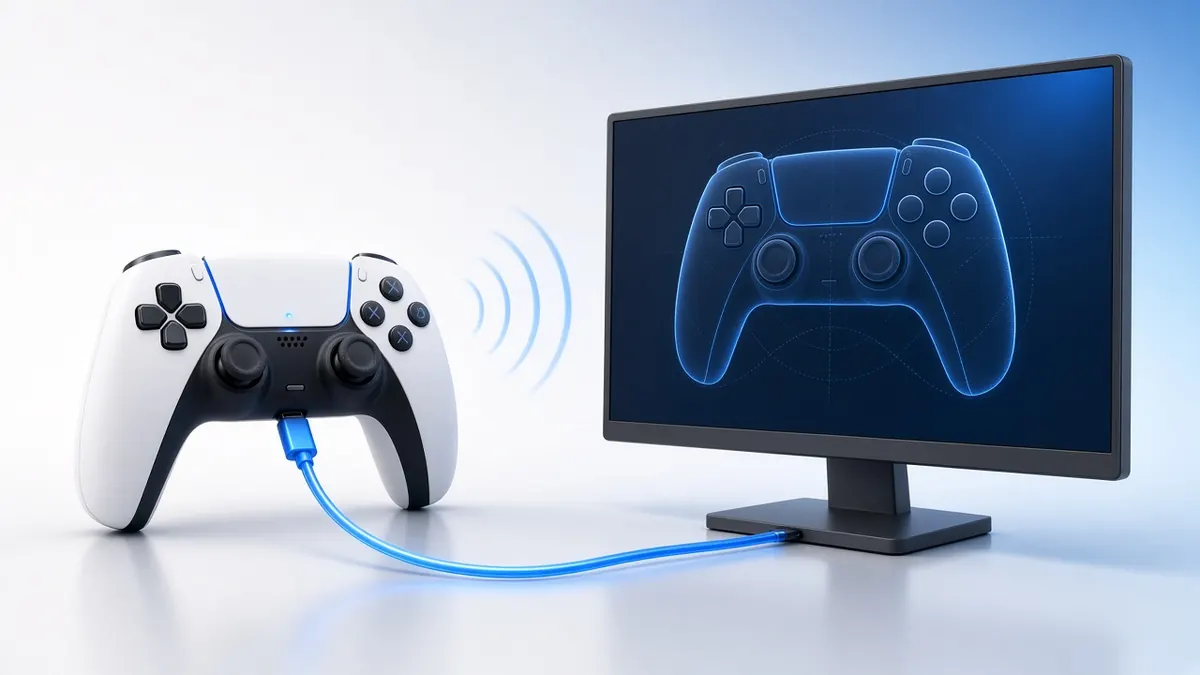
Plug the controller into a USB port with a USB-C cable that carries data. Windows installs it automatically as "Wireless Controller".
If nothing happens, try another cable. Many cables that ship with phones are charge-only.
2Or pair over Bluetooth
Hold the Create button and the PS button together until the light bar flashes quickly.
On Windows, open Settings, Bluetooth & devices, Add device, Bluetooth. Choose "Wireless Controller".
Bluetooth pairing in four steps. 3Test it in your browser
Open our PS5 controller tester and press any button. Every button, stick and trigger should light up.
Click Connect via HID in Chrome or Edge to read the battery, gyro and touchpad as well.
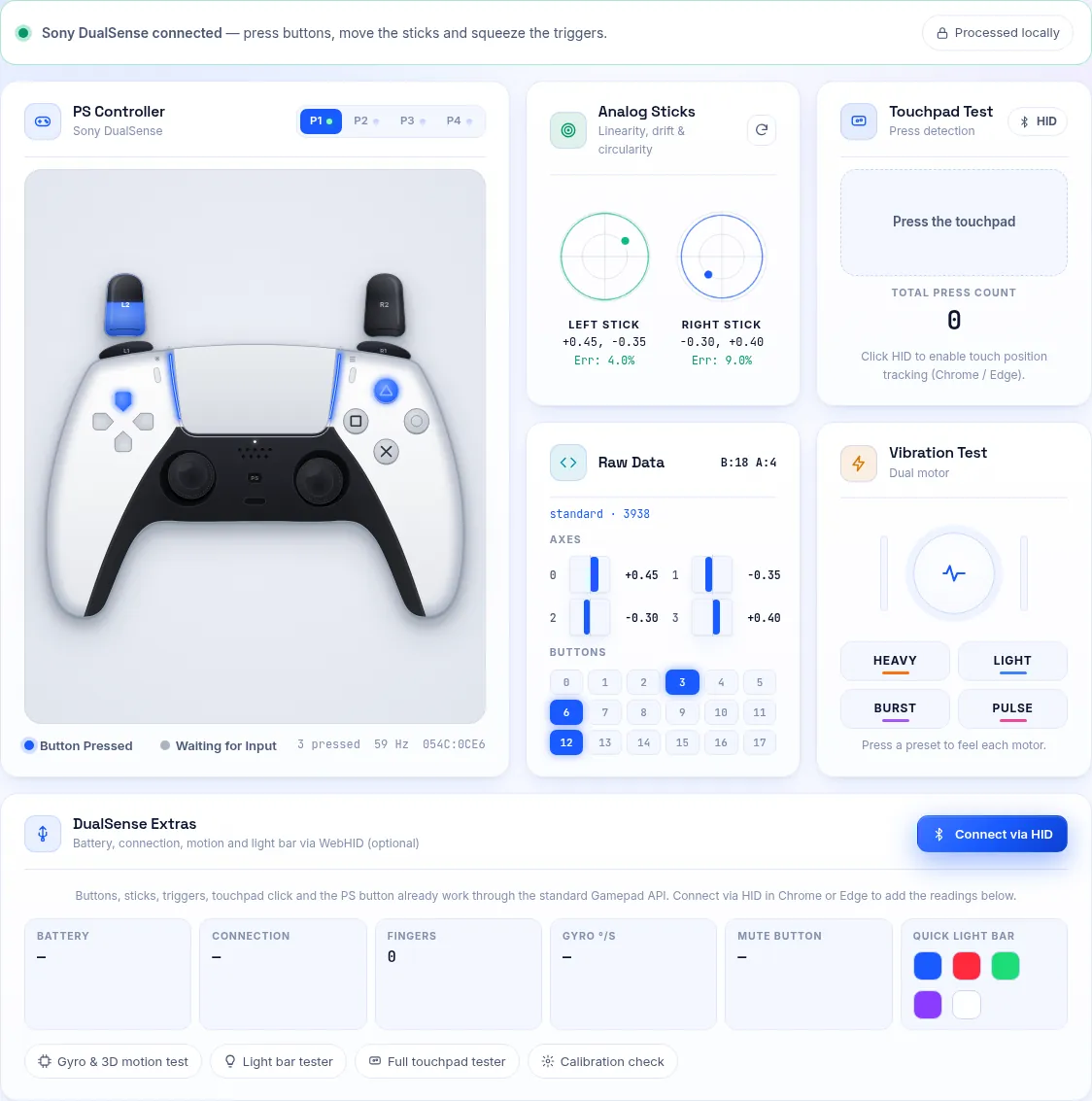
Our PS5 tester showing live buttons, stick plots and raw values. 4Set it up in Steam
Open Steam, then Settings, Controller. Steam detects the DualSense and enables PlayStation controller support.
Steam Input translates it for games that only understand Xbox pads, and shows PlayStation button icons where games support them.
5Use it outside Steam
Some games support the DualSense natively, including adaptive triggers over USB. Others expect an Xbox controller.
For those, a community tool such as DS4Windows can present the DualSense as an Xbox pad. Download it only from its official project page.
USB or Bluetooth?
USB gives the most reliable connection, charges the pad and enables adaptive triggers and haptics in supported games.
Bluetooth is convenient for couch play. Rumble, triggers and the light bar may not work in every game over Bluetooth.
Frequently Asked Questions
Why is my PS5 controller not working in games?
The game may only support Xbox controllers. Launch it through Steam with Steam Input on, or use DS4Windows.
Do adaptive triggers work on PC?
Yes in some games, usually over USB. Many PC games do not use them at all.
Can I update the DualSense firmware on PC?
Yes, with Sony's official updater for Windows. Our firmware guide explains how.