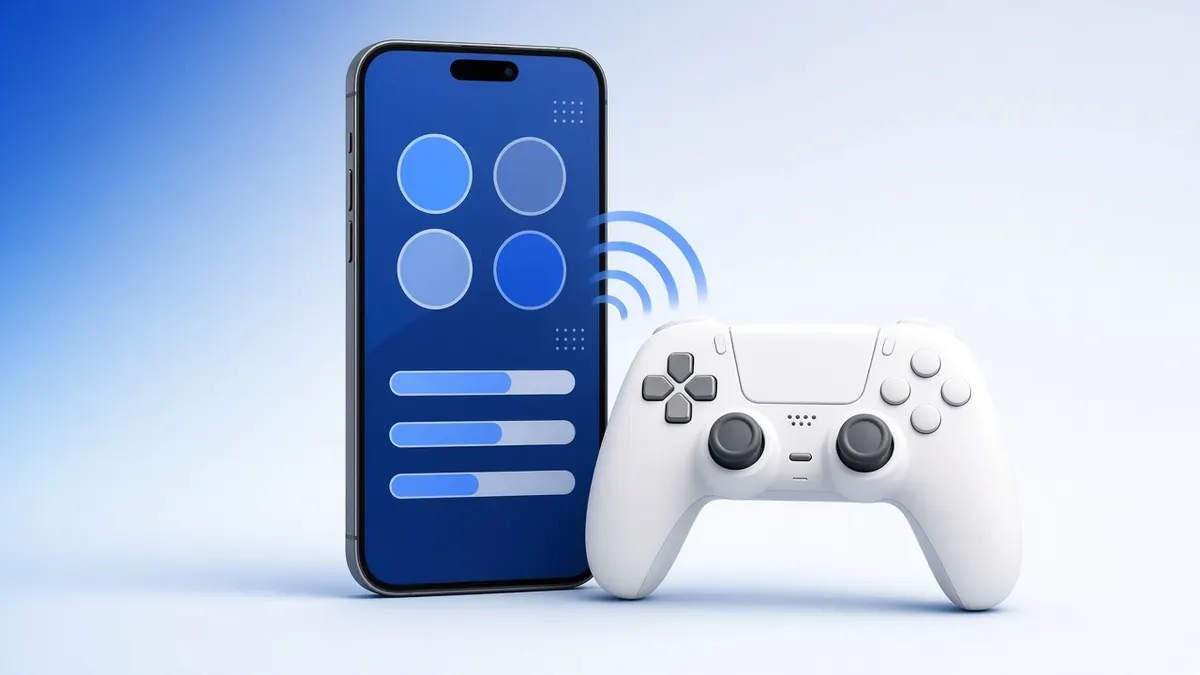
No PC nearby? A phone is enough to check a controller, which is handy when you are buying a used one.
Both Android and iOS support popular controllers over Bluetooth, and their browsers can read them.
What you need
- An Android phone or an iPhone/iPad
- The controller, charged
1Put the controller in pairing mode
DualSense: hold Create and PS. DualShock 4: hold Share and PS. Xbox: hold the pair button. Switch Pro: hold the sync button.
The lights flash quickly when the pad is ready to pair.
2Pair it with the phone
On Android, open Settings, Connected devices, Pair new device. On iPhone, open Settings, Bluetooth.
Tap the controller when it appears in the list.
Pair over Bluetooth, then open the tester. 3Open the tester
Open our gamepad tester in Chrome on Android or Safari on iPhone. Press a button on the controller to wake it.
Buttons, sticks and triggers show live, just like on a computer.
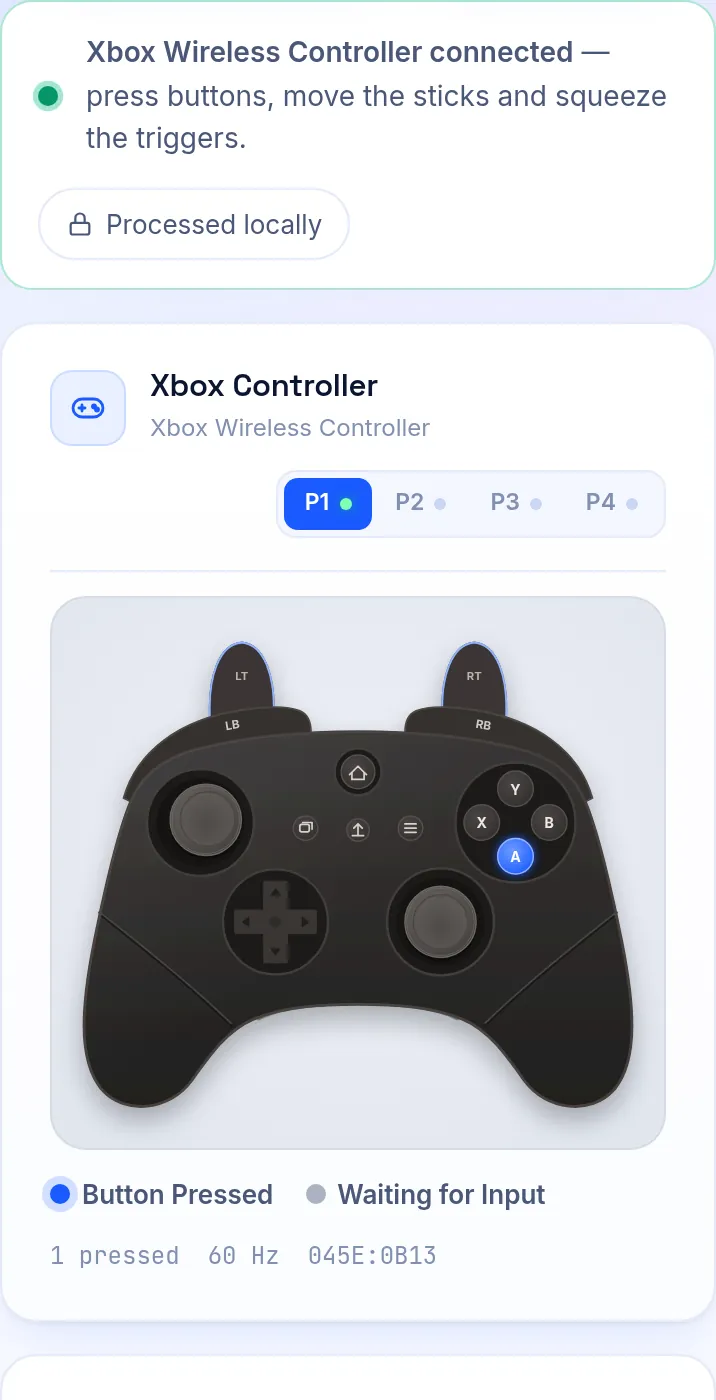
The tester on a phone-sized screen. 4Check for drift
Put the controller down and watch the stick values, or open the stick drift test for a full rest test.
Resting values above 0.10 mean the stick drifts.
What Does Not Work on Phones
Rumble and WebHID features, such as the DualSense touchpad position and light bar, need a desktop browser.
Some older Android phones map buttons in an unusual order. The button mapping test shows the real indices.
Frequently Asked Questions
Which controllers work with iPhone?
Recent iOS versions support Xbox Wireless, DualSense, DualShock 4 and, from iOS 16, Joy-Con and the Switch Pro Controller.
Can I test a wired controller on Android?
Yes, with a USB-OTG adapter or a USB-C cable, if your phone supports it.