A dirty controller does more than look bad. Grime causes sticky buttons, and dust inside the sticks causes drift.
This routine takes ten minutes and needs no tools beyond a cloth and some alcohol.
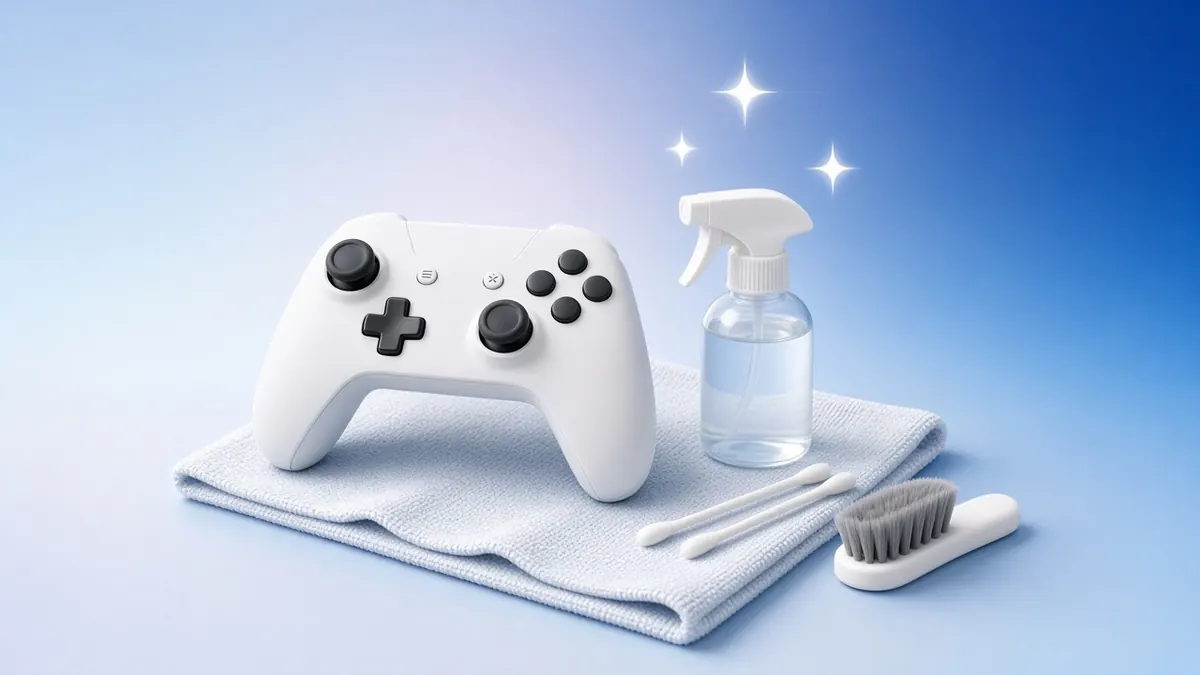
What you need
- Microfibre cloth
- Isopropyl alcohol (70% for the shell, 90%+ for the sticks)
- Cotton swabs and a toothpick
- A soft brush
1Power off and unplug
Turn the controller off and disconnect the cable. Remove the batteries from Xbox pads.
Never spray liquid directly onto the controller.
2Wipe the shell
Dampen the cloth lightly with 70% alcohol and wipe the grips, back and triggers.
Alcohol evaporates quickly and also disinfects.
4Clean the sticks
Tilt each stick and clean around its base with a swab dipped in 90% alcohol. Rotate the stick to spread it.
Let everything dry for ten minutes before turning the pad on.
5Test every input
Open the button mapping test and press each button. Then run the stick drift test.
Missed or double presses after cleaning mean the switch itself needs repair.
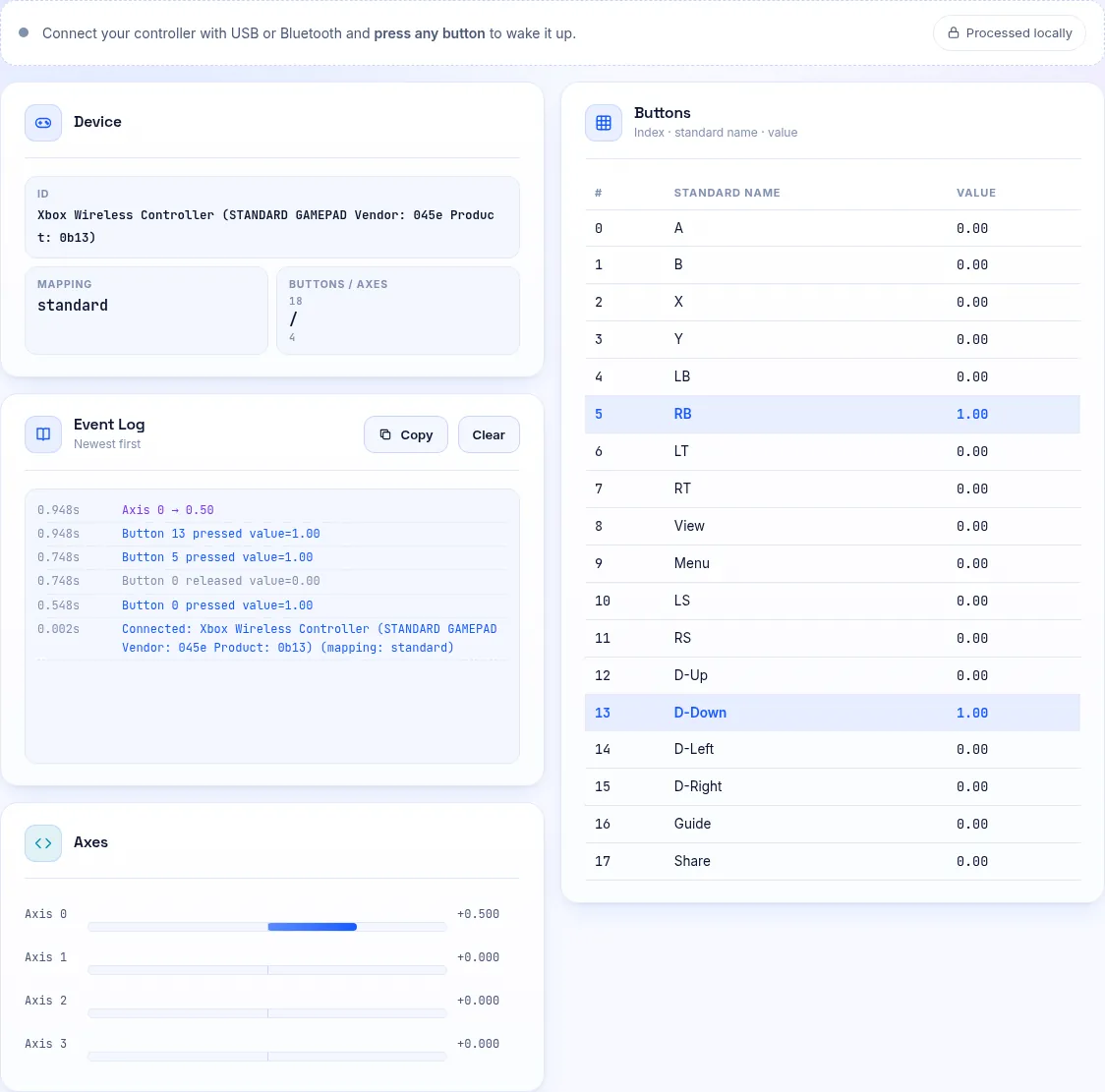
Press every button and watch the log.
What Not to Use
Avoid water, household sprays, WD-40 and bleach. They can damage contacts or leave residue.
Avoid long blasts of compressed air into the sticks, which can push dust deeper or spin parts too fast.
Frequently Asked Questions
How often should I clean my controller?
Wipe it weekly if you play daily, and give the buttons and sticks a deeper clean every month or two.
Can I open the controller to clean it?
You can, but it may void your warranty. Try external cleaning first.