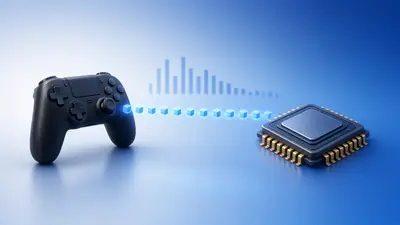
Every controller connection adds some delay. The differences are real but smaller than many people expect.
Here is how the three options compare and how to measure them yourself.
The Short Answer
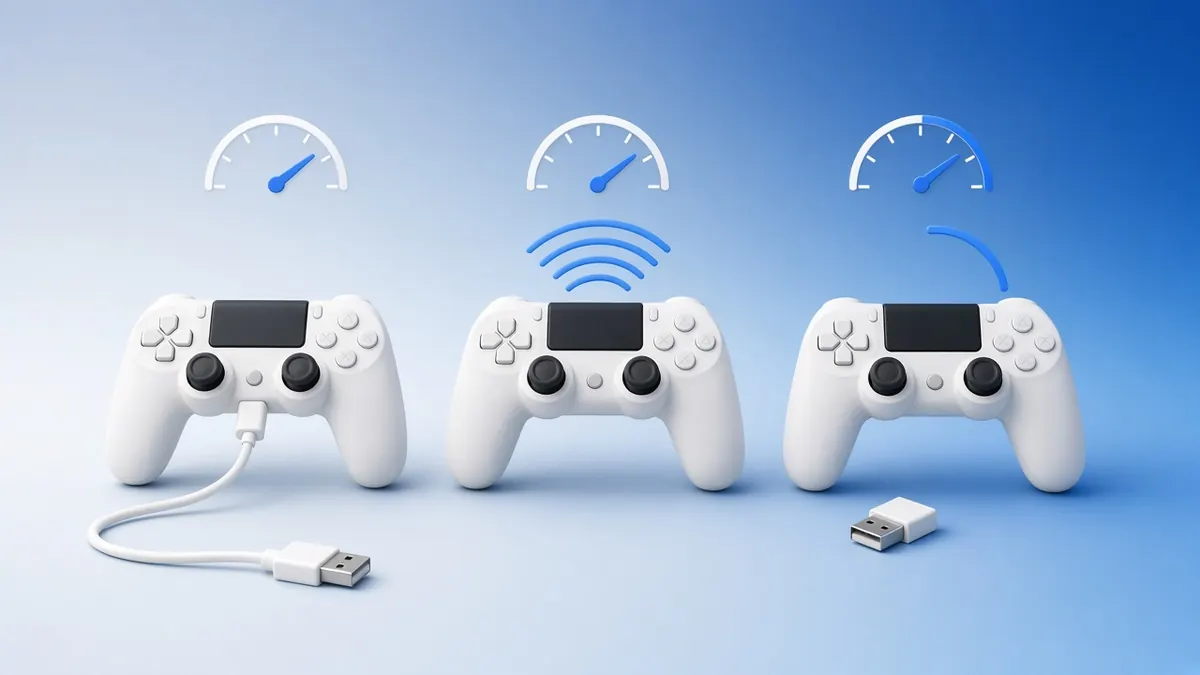
| Connection | Delay | Stability | Convenience |
|---|---|---|---|
| USB cable | Lowest | Best | Cable on the desk |
| 2.4 GHz dongle | Low | Very good | Needs a free USB port |
| Bluetooth | Higher | Good | No extra hardware |
For most players, any of the three is fine. Competitive players should choose a cable or a dedicated dongle.
Why Bluetooth Is Slower
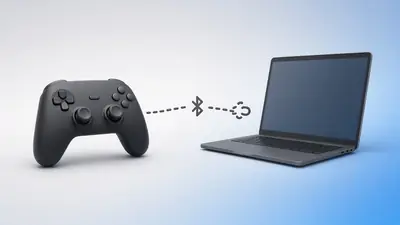
Bluetooth shares its radio with headphones, mice and other devices. It also often runs at lower report rates.
Interference from USB 3 ports and Wi-Fi can cause short stalls that feel like stutter.
Why Dongles Close the Gap
A 2.4 GHz dongle uses a link dedicated to the controller. Many support higher report rates than Bluetooth.
Keep the dongle in line of sight, ideally on a short USB extension at the front of the desk.
Test Your Own Setup
Run the input latency test on each connection, ten rounds each, and compare medians.
Then check the polling rate on each. A steady rate with low jitter is the goal.
Frequently Asked Questions
Is Bluetooth OK for casual games?
Yes. Most players will not notice the difference in single-player games.
Does charging while playing add lag?
No. A cable that charges and carries data actually gives the lowest delay.