Used controllers can be great value, but faults are common. Stick drift and worn buttons rarely show in listing photos.
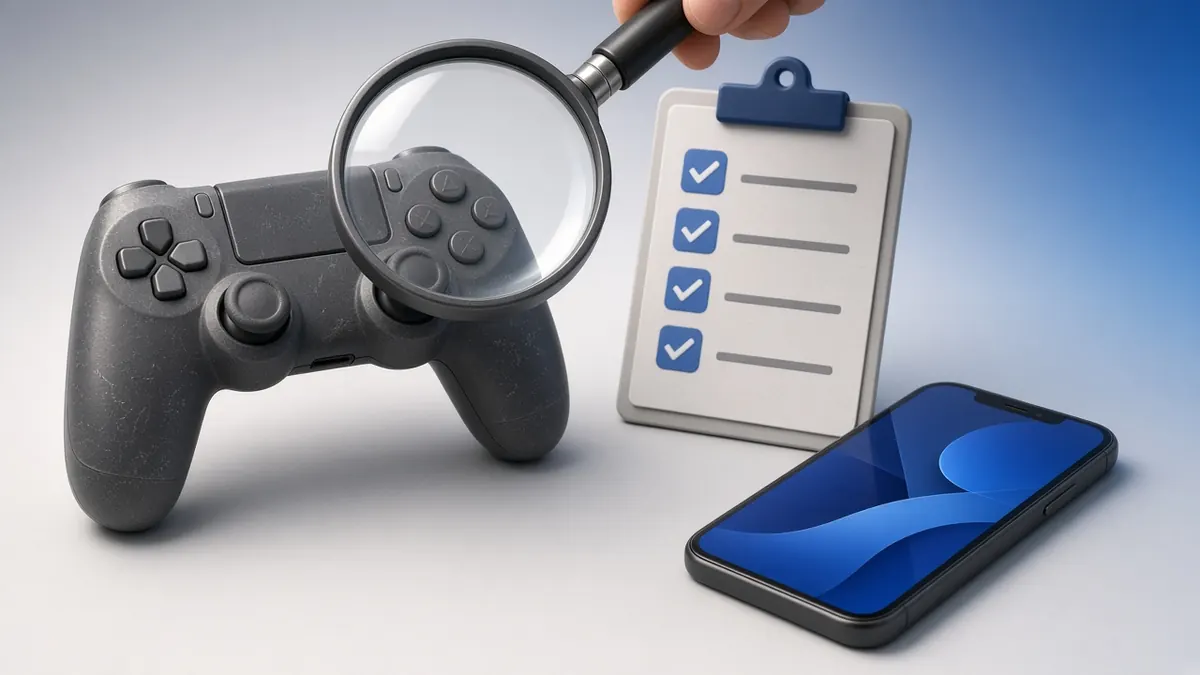
This checklist takes two minutes with a phone and our free tester.
Before You Meet
Ask whether the controller has been opened or repaired. Ask for the model number, so you know which features to test.
Bring a USB-C or micro-USB cable and a charged phone.
The Two-Minute Checklist
- Connect it to your phone and open our gamepad tester.
- Press every button, including the D-pad, bumpers and stick clicks.
- Squeeze each trigger slowly and check it reaches 1.00.
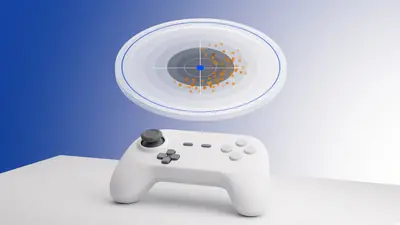
- Put it down and watch the stick values for drift.
- Check the charging port holds the cable firmly.
- Look for cracks, loose shells and missing screws.
Red Flags
Resting stick values above 0.10, buttons that register twice and triggers that rest above zero all mean repairs.
A pad that only works while plugged in may have a worn battery.
Checking Rumble and Extras
Rumble needs a desktop browser, so if you can, test on a laptop with our vibration test. On a DualSense, the PS5 tester can also read the battery over WebHID.
Frequently Asked Questions
Can I test a controller without a console?
Yes. A phone or laptop and our browser tester are enough for buttons, sticks and triggers.
What price is fair for a drifting controller?
Treat it as a repair project. Factor in the cost of a new stick module or a repair shop.