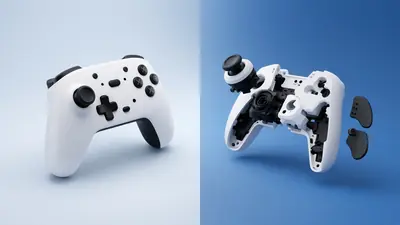
Ghost inputs make menus scroll, characters jump or cameras turn without you touching anything.
A tester shows exactly which input is firing, which points straight to the cause.
Find the Ghost Input
Open the button mapping test and put the controller down. Watch the event log for any button or axis that changes by itself.
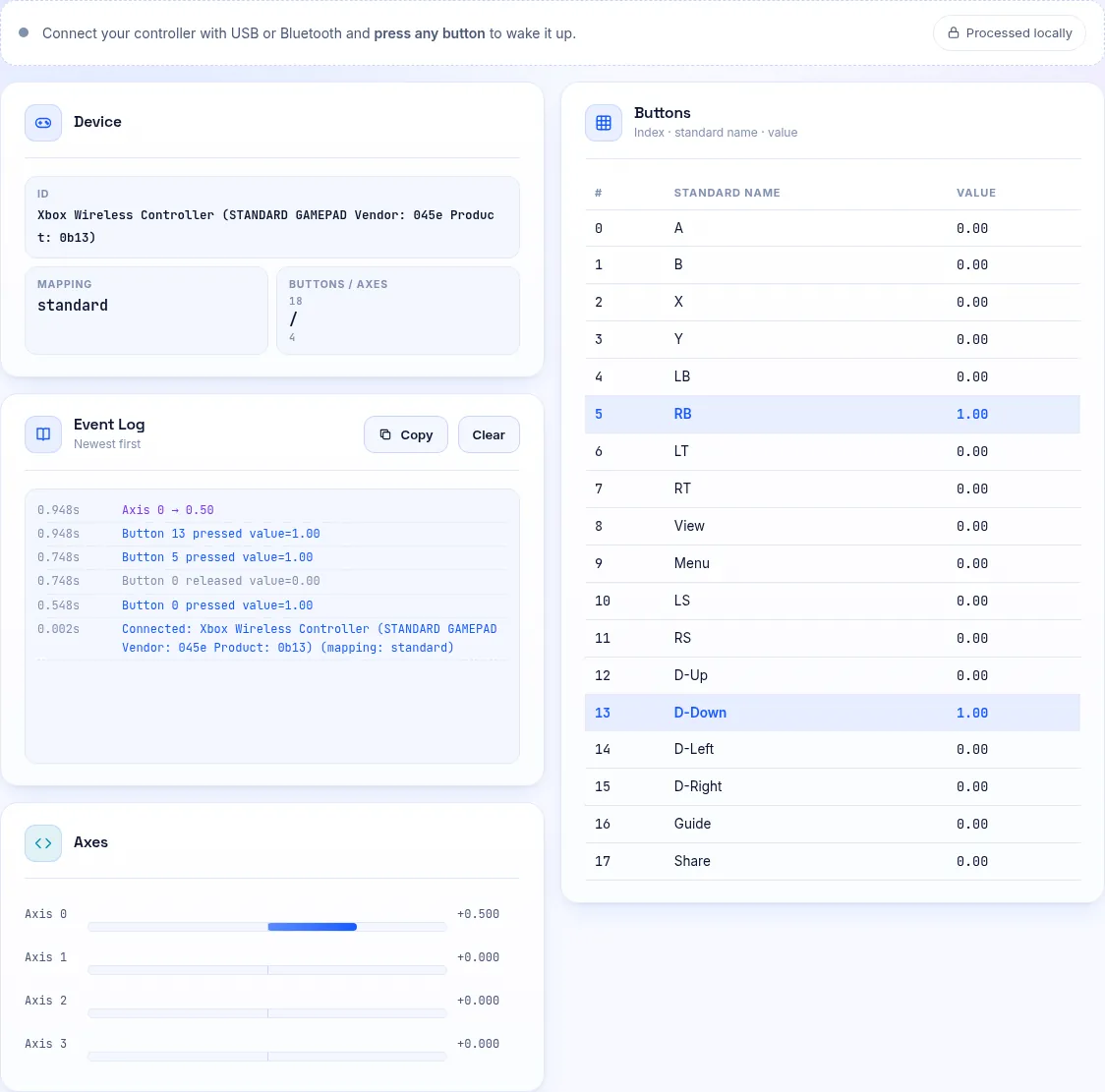
If It Is a Button
Sticky residue under a button can hold it partly pressed. Clean around it with isopropyl alcohol and press it repeatedly.
If the problem persists, the rubber membrane or contact under the button may be worn or damaged.
If It Is a Stick
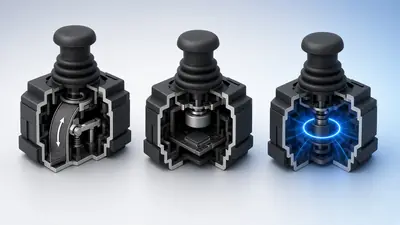
Movement on an axis is stick drift. Measure it with the stick drift test and follow our drift guide.
If It Is a Trigger
Triggers that rest above zero can fire actions in games with sensitive trigger settings. Dirt or a weak spring is usually the cause.
Rule Out Software
Macro tools, remappers and Steam Input can generate inputs. Close them and test again.
Low batteries can also cause erratic signals on wireless pads.
Frequently Asked Questions
Can liquid damage cause ghost inputs?
Yes. Residue can bridge contacts. Clean the board with isopropyl alcohol, or have it repaired.
Will a firmware update help?
Occasionally, if the cause is a known bug. Hardware faults need cleaning or repair.