A DualShock 4 that blinks white is usually trying to connect and failing. It is rarely a hardware fault.
These fixes solve most cases in a few minutes.
What Blinking White Means
The controller is searching for the console it was last paired with. If it cannot find it, or the pairing is lost, it keeps blinking.
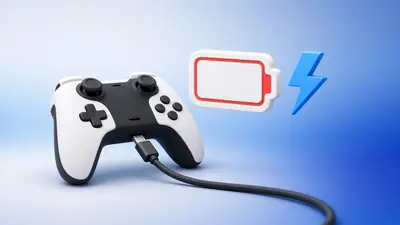
A very low battery can cause the same behaviour.
Fix 1: Connect With a Cable
Plug the controller into the PS4 with a micro-USB data cable and press the PS button. This re-pairs it.
Fix 2: Reset the Controller
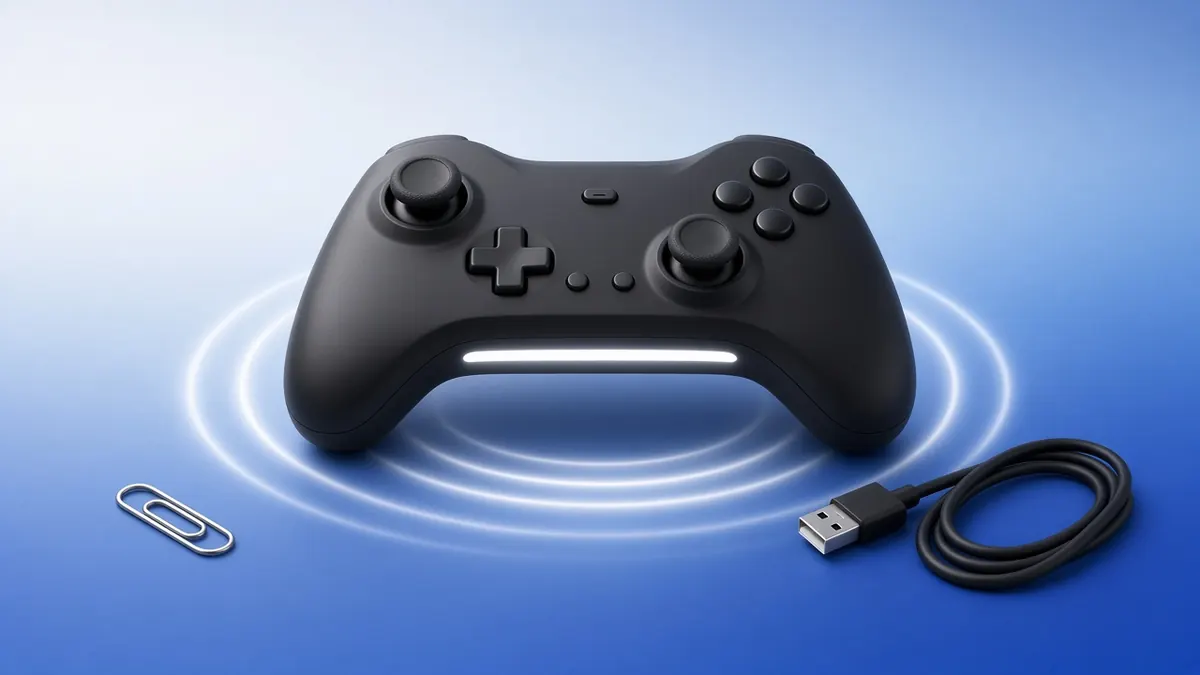
Turn off the PS4. Press the reset button in the small hole near L2 on the back for about five seconds.
Reconnect with the cable and press the PS button.
Fix 3: Charge It Properly
Charge for at least an hour with the console on or in rest mode with USB power enabled. Try a different cable if nothing changes.
Fix 4: Test It on a PC
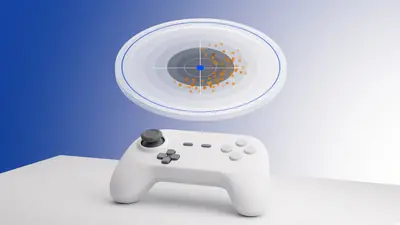
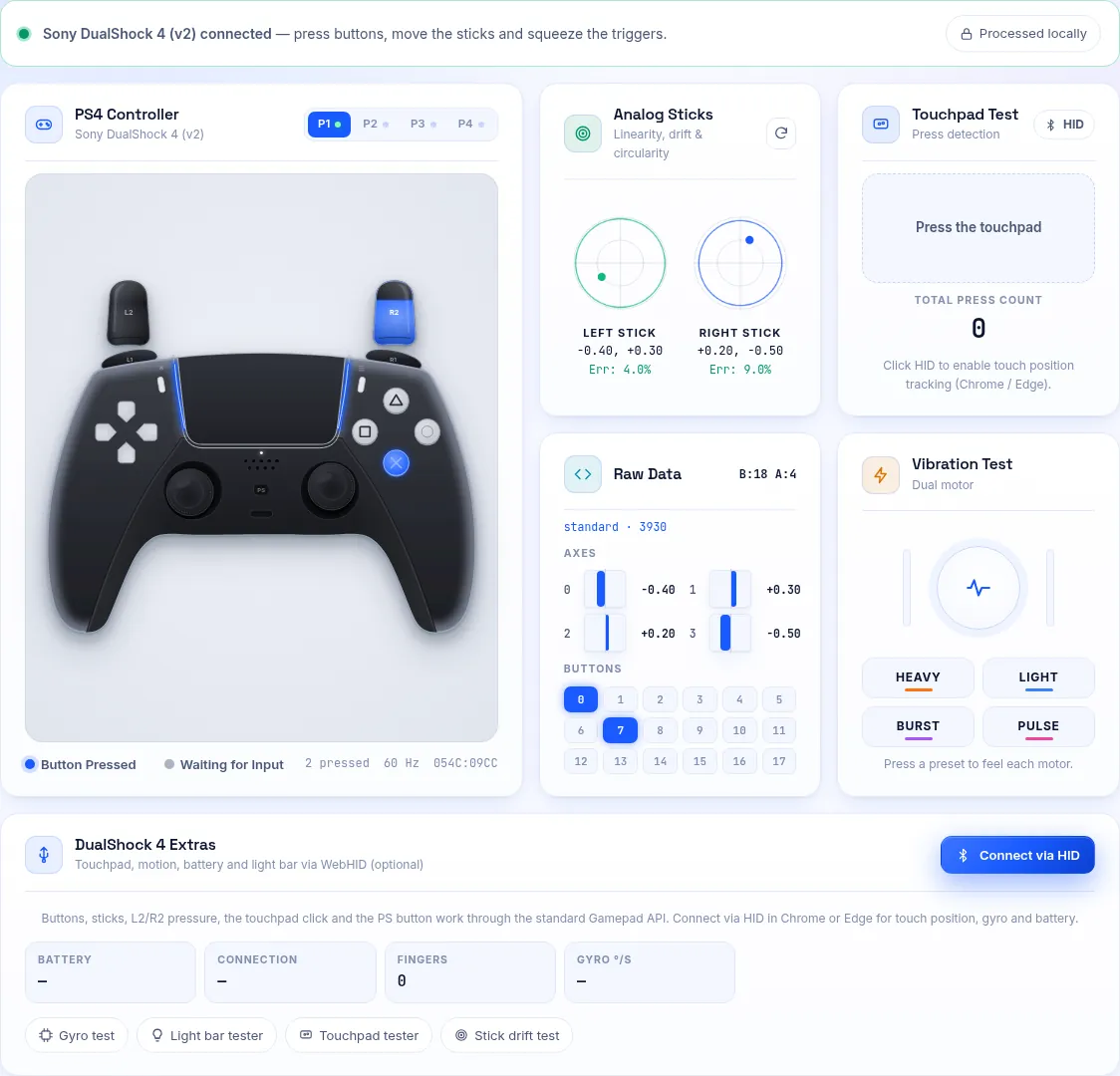
Connect the pad to a computer and open our PS4 controller tester. If every input works there, the problem is the pairing, not the controller.
Frequently Asked Questions
Can a PS4 controller blink white because of the battery?
Yes. A worn battery may not hold enough charge to connect. Replacement batteries are available.
Does this work for DualShock 4 v1 and v2?
Yes. Both versions use the same reset button and pairing process.