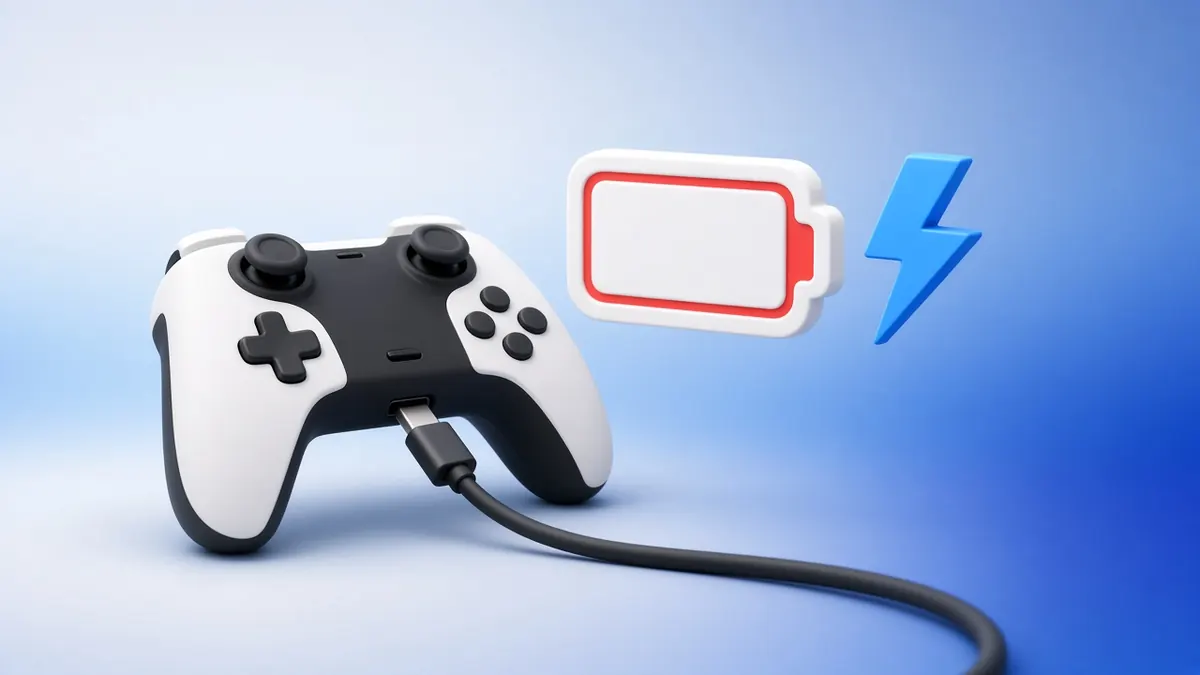
A DualSense that will not charge is usually not broken. Most causes are simple to fix.
Work through these in order, from the quickest check to the last resort.
1. Try Another Cable
USB-C cables wear out, especially near the plug. Use a different cable and a different port.
2. Check Rest-Mode Power
On the PS5, open Settings, System, Power Saving, Features Available in Rest Mode, and make sure USB ports supply power.
Without it, the controller will not charge while the console sleeps.
3. Clean the USB-C Port
Lint from pockets and bags packs into the port. Power off and remove it gently with a wooden toothpick, never metal.
4. Use a Standard Charger
A wall adapter or the console's front port works well. Some low-power hub ports cannot supply enough current.
5. Watch the Temperature
If the light bar blinks orange quickly, charging has paused, often because the pad is too hot or cold. Let it reach room temperature.
6. Reset the Controller
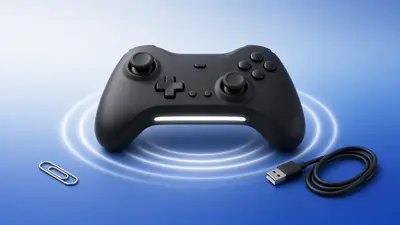
Press the reset button in the small hole on the back with a paperclip for a few seconds, then reconnect with the cable.
7. Update the Firmware
Updates can fix charging bugs. See our DualSense firmware guide.
8. Check the Battery
If the pad dies within minutes of unplugging, the battery is worn. Our PS5 tester reads the battery level over WebHID, so you can watch how fast it drops.
Frequently Asked Questions
How long does a DualSense take to charge?
Roughly a few hours from empty, depending on the charger and whether you play while charging.
What does a pulsing orange light bar mean?
It shows the controller is charging while the PS5 is in rest mode.